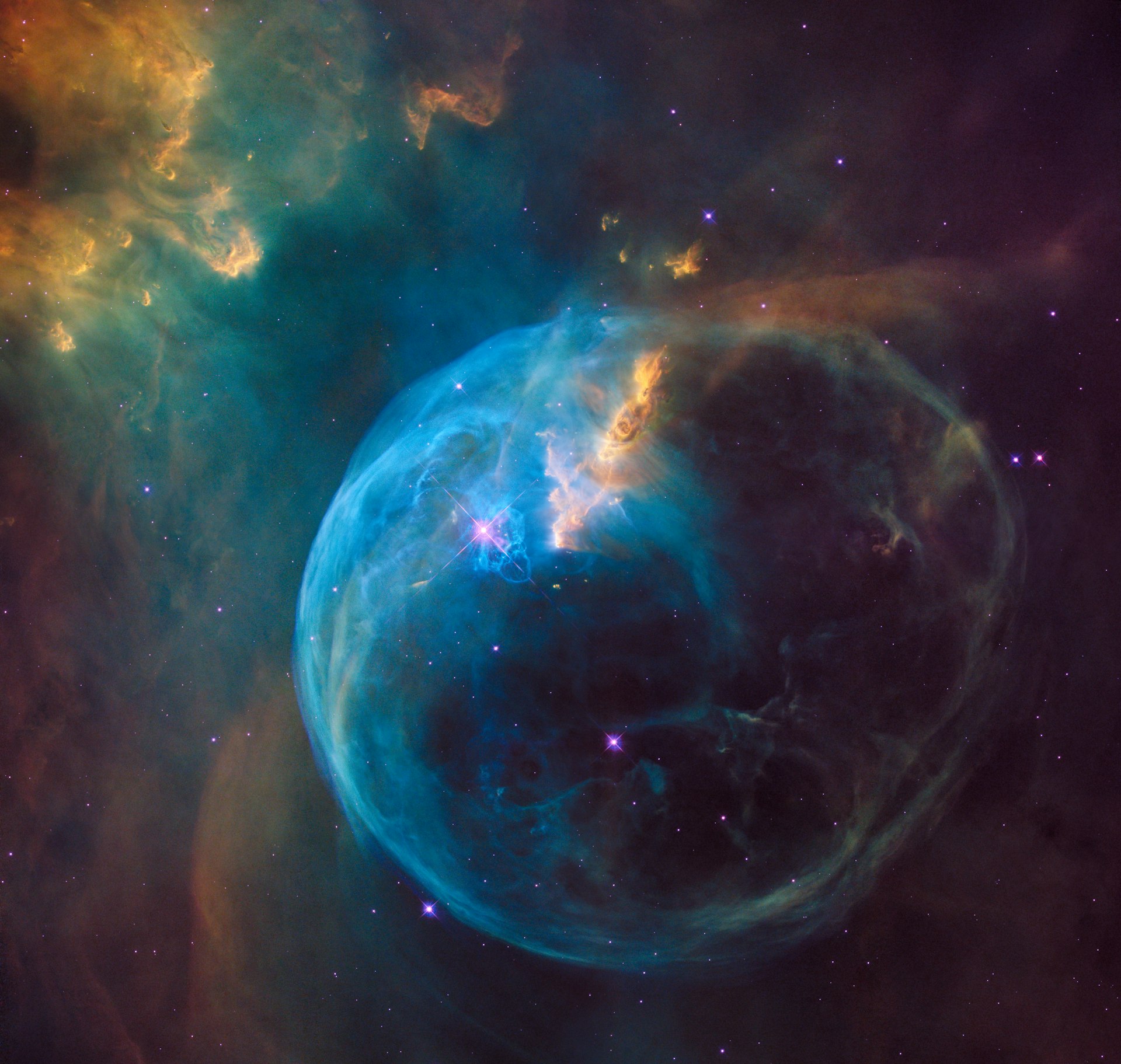
Your imaging session,sorted by sunrise.
AstroMate sits on your local network and pulls every FITS the moment your AsiAir or StellaVita writes it, grouped by target, filter, exposure, and matched against your current masters. When you sit down to stack, it all runs with one click.
- Runs on OrbStack / Docker
- Runs on a Raspberry Pi
- Runs on your computer
Organize your data
like never before
Stack
professional level stacking with advanced features
NAS
built for astrophotographers
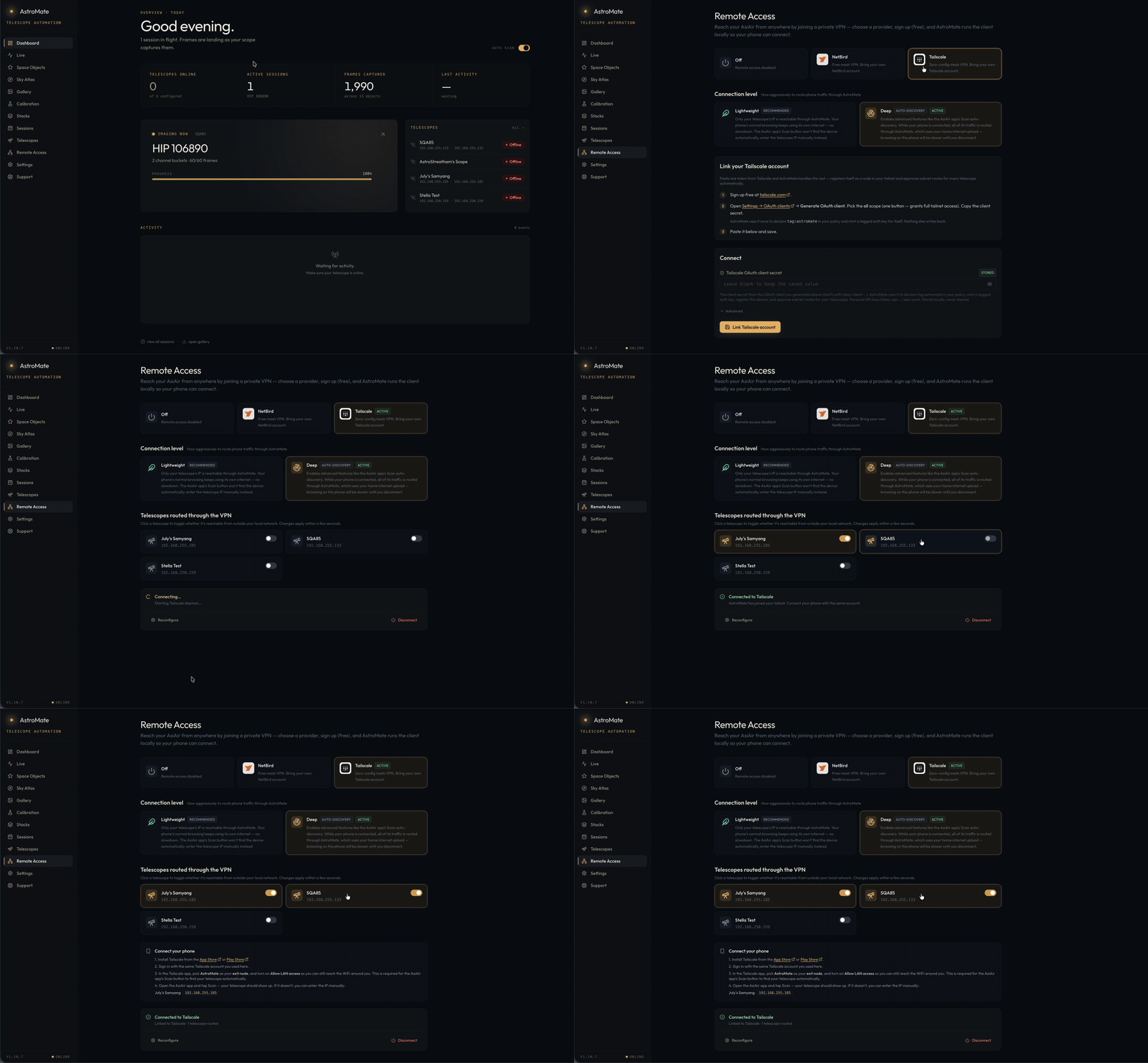
Remote access
access your telescopes from anywhere
Capture
Download and organize frames automatically.
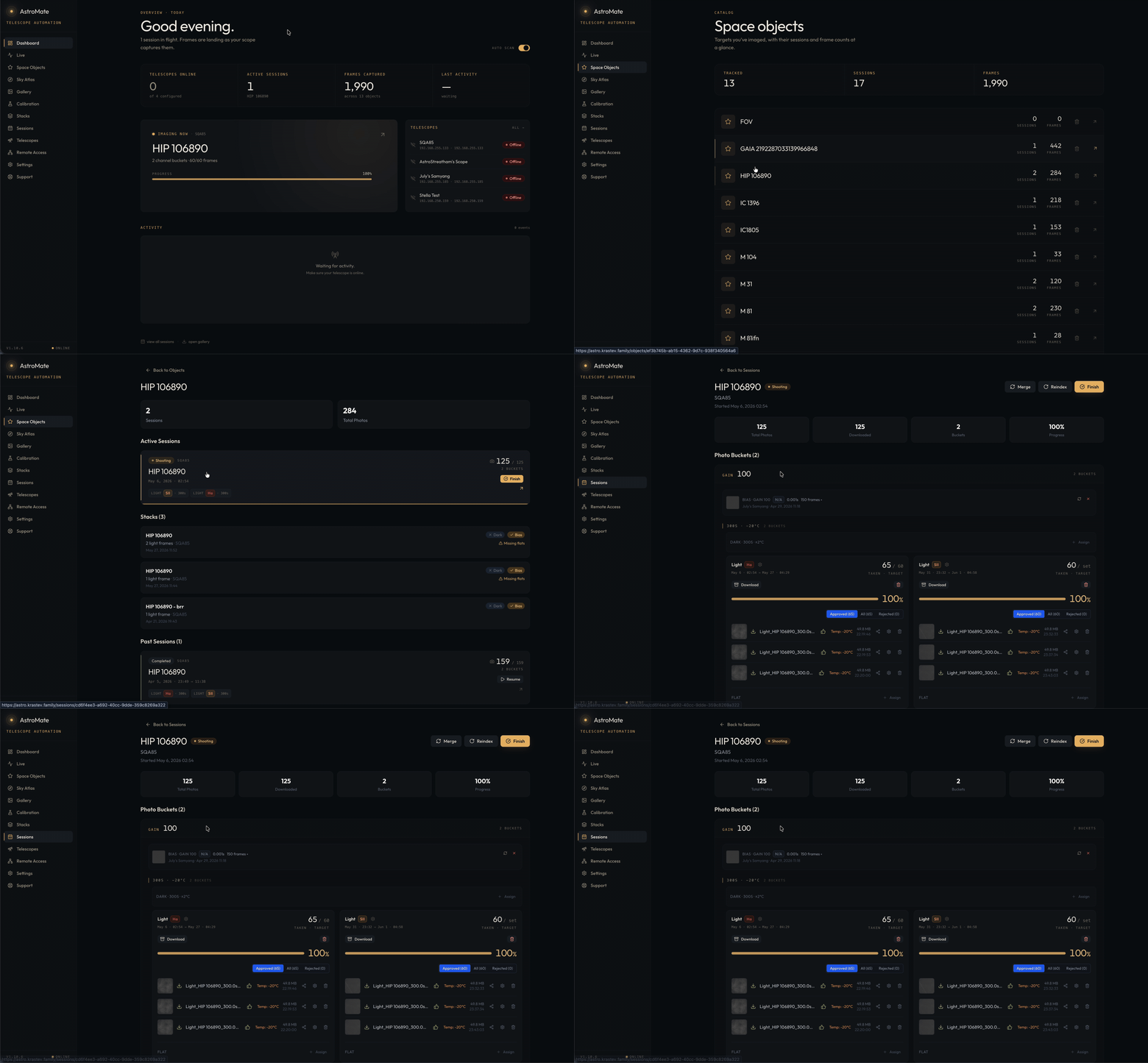
AstroMate watches your AsiAir over the network and pulls every FITS the moment the camera writes it. New frames land in a clean, browsable library, grouped by target, then by filter, exposure, gain and sensor temperature, so there's no SD-card shuffling in the morning and nothing to sort by hand.
Calibrate
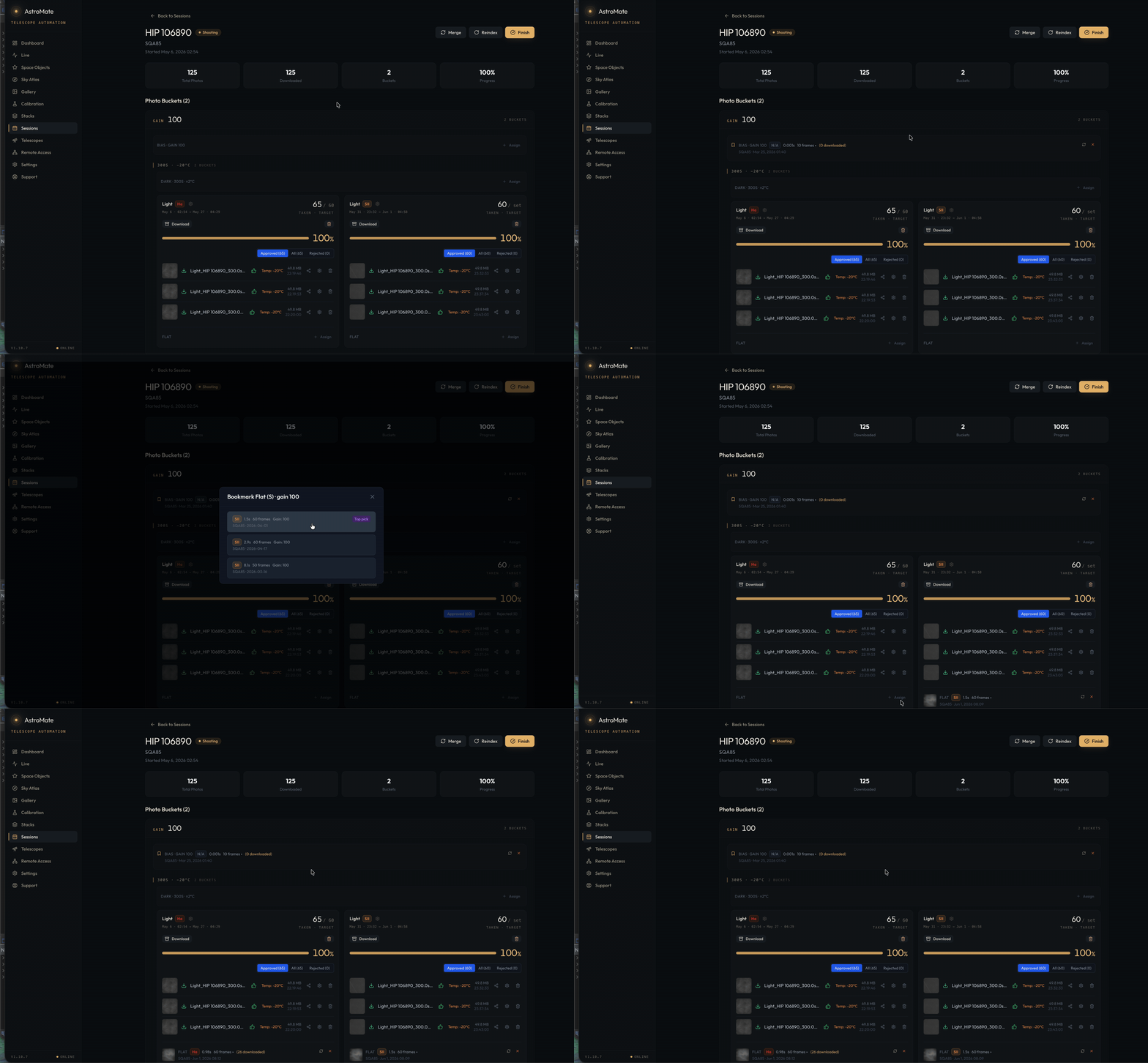
Auto match calibration.
Darks, flats and bias are paired to your lights for you, by exposure, gain and sensor temperature, within a tolerance you set. The right calibration masters always meet the right frames, so a session is ready to stack the moment the last sub lands.
Stack
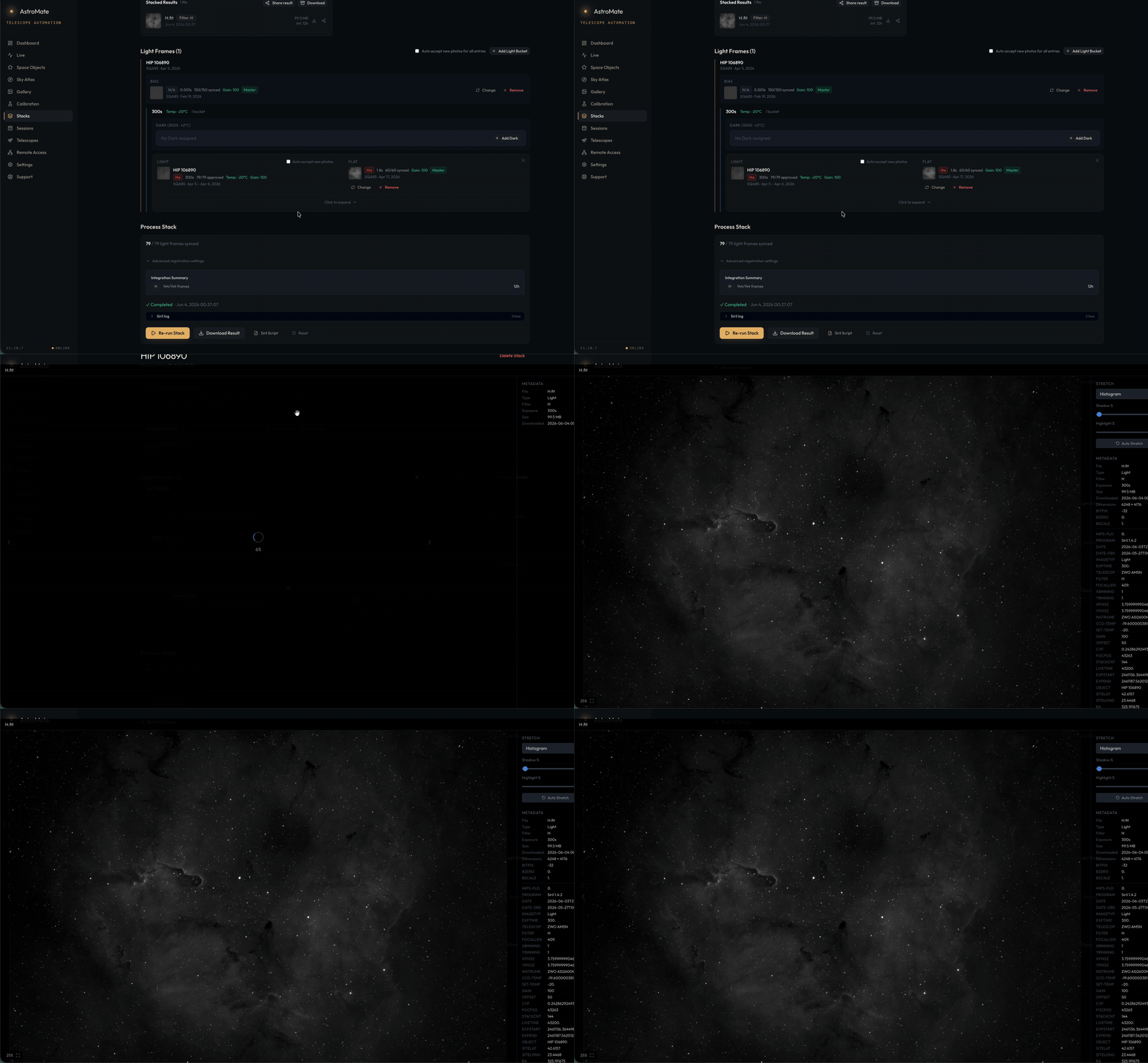
One click stacking.
Professional-grade calibration, registration and integration, all sequenced for you. No scripts to write, no files to wrangle. Press one button and get a master stack you can trust, per channel.
Remote
Remote access from anywhere.
Flip one switch and your AsiAir or StellaVita app can connect to your telescope from anywhere. Don't be tied to your rig.
03 / from first light to final stack
Three steps.The night handles the rest.
- step 01< 60 s
Point it at your AsiAir.
Install AstroMate on your computer or on a Raspberry Pi. Add your telescope IP.
- step 02while you sleep
Image as usual.
Frames stream in the moment they hit the SD card. Sessions form themselves. Masters get matched.
- step 03one click
Stack at breakfast.
Open AstroMate, hit Stack. Pick a palette. Export to PixInsight or hand it off as a sharable link.
04 / inside the app
Built for nights that actually go to plan.
Everything you need, from downloading the photo to producing a high-quality stack ready to be processed.
05 / who’s behind it
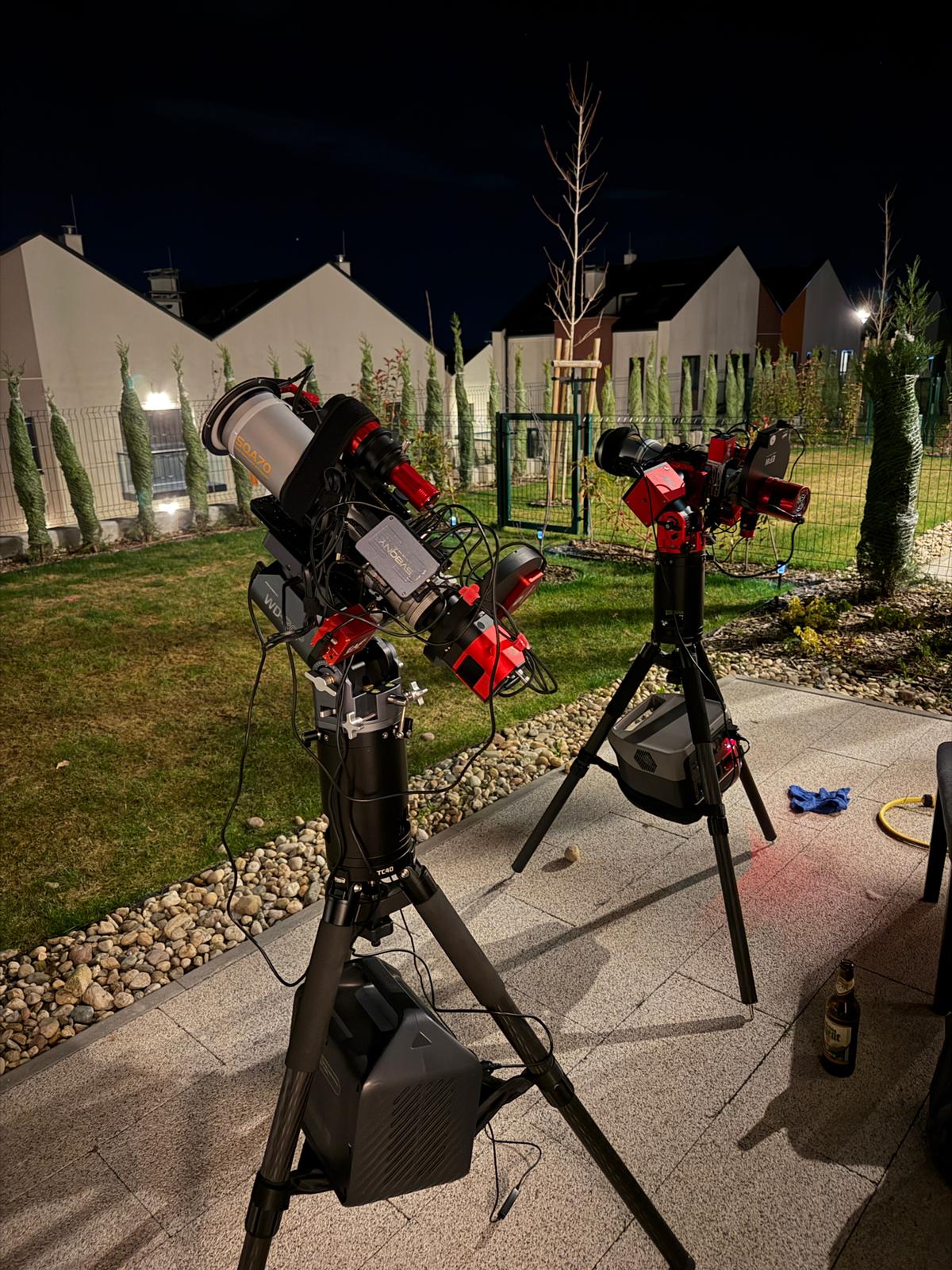
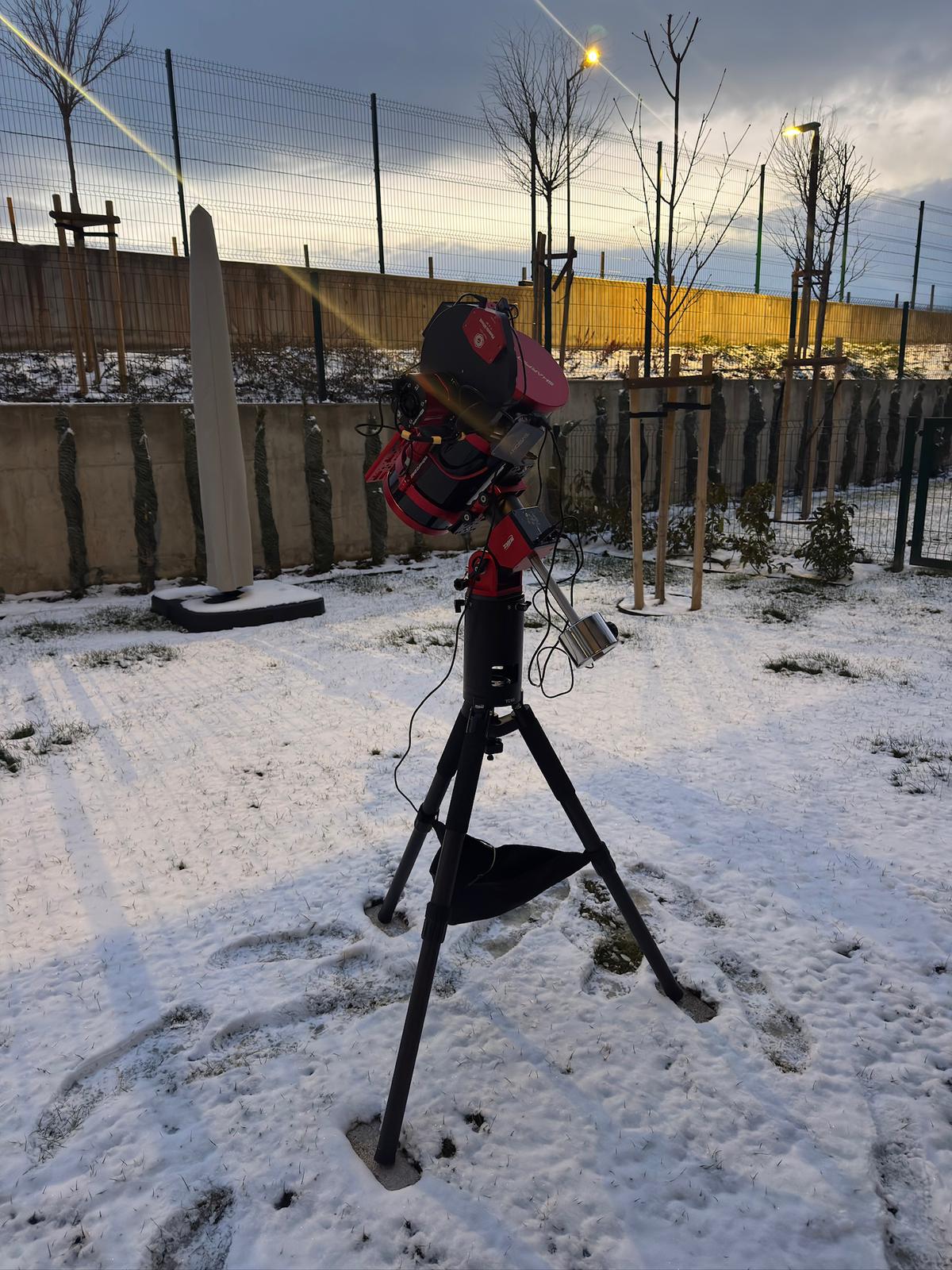
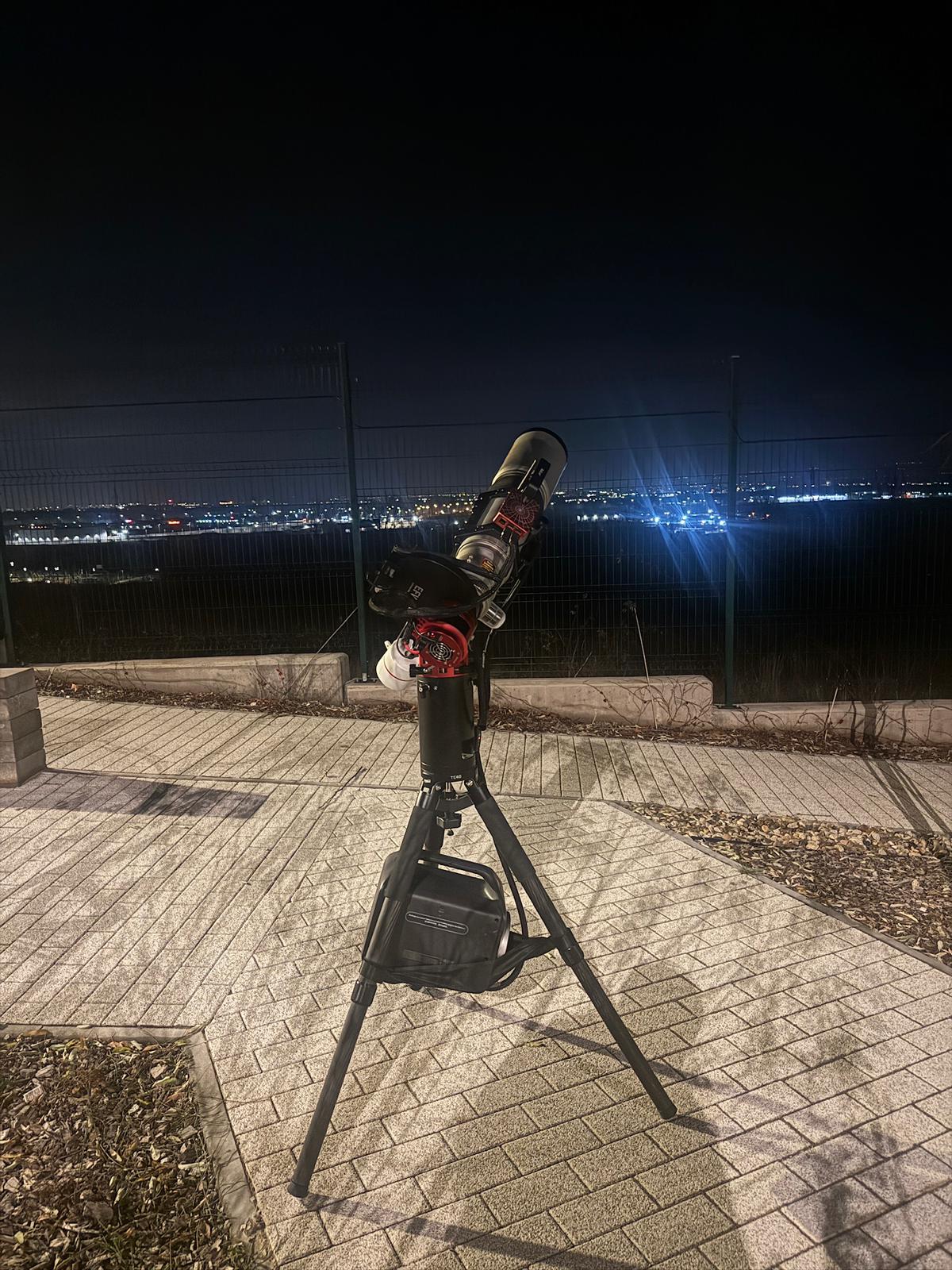
Built by people who spend their nights outdoors.
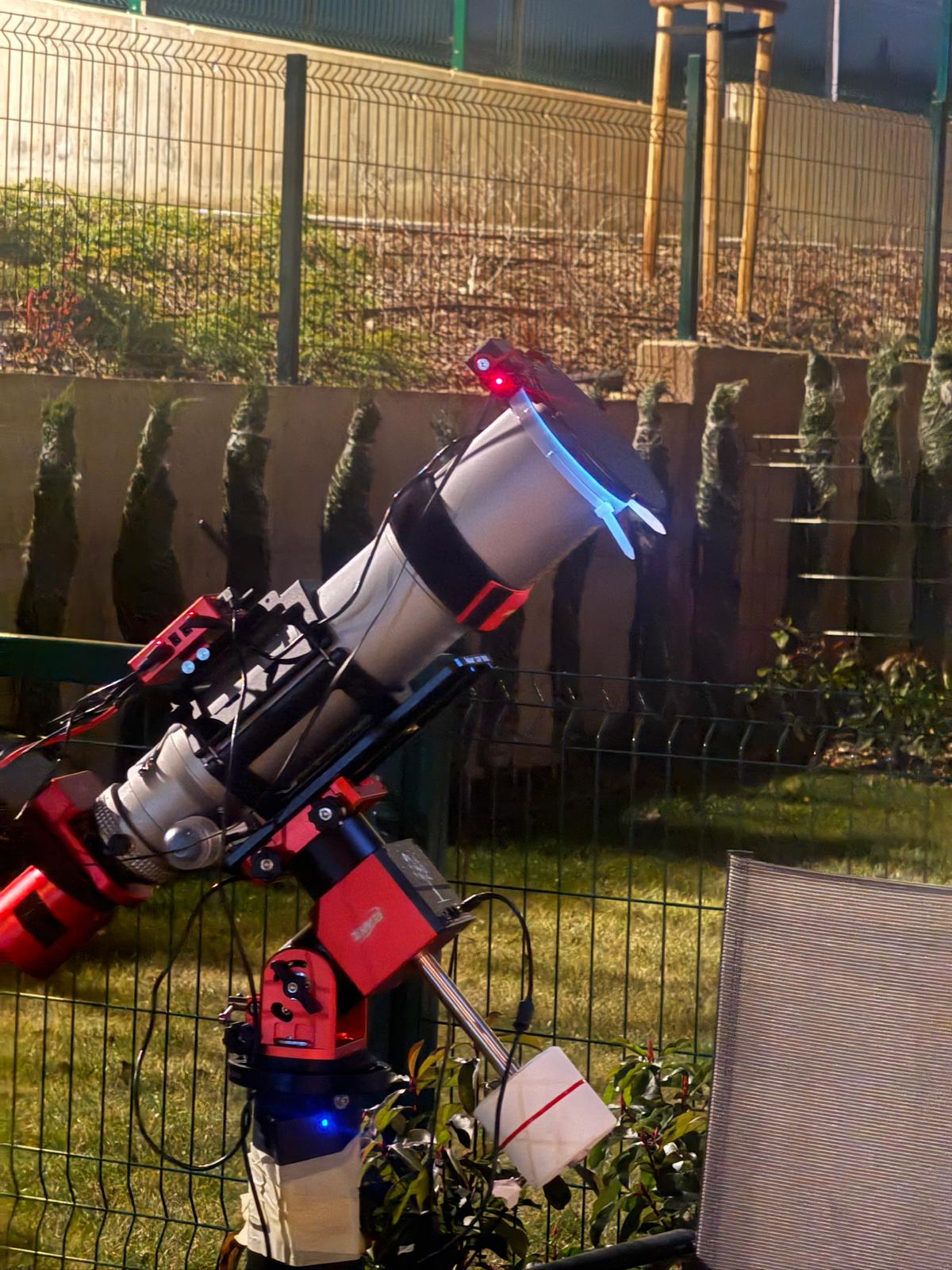
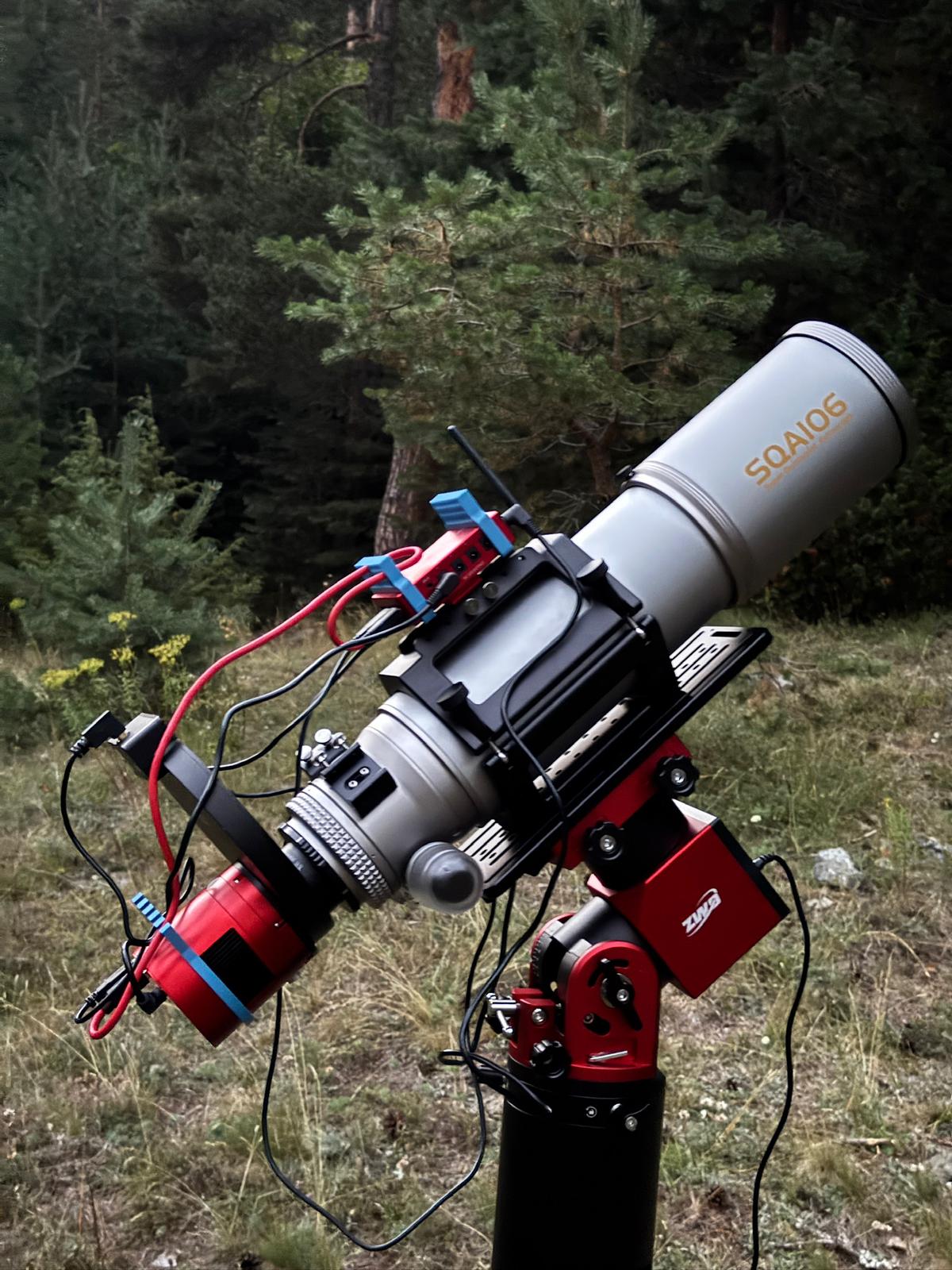
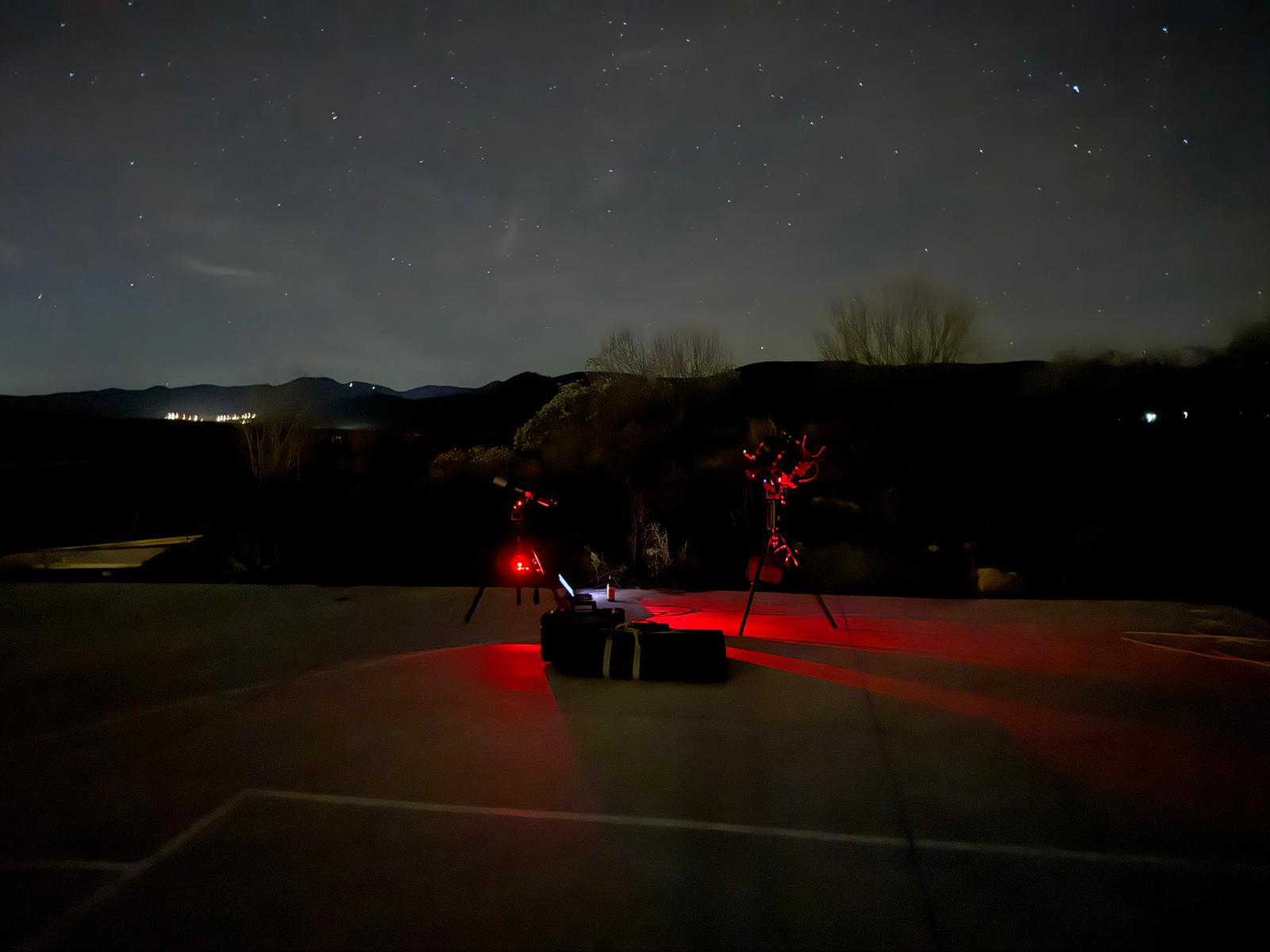
Astrophotography is fun, downloading files in the cold morning is not. We built these tools to solve real problems we had. Stop worrying which flats were the right ones, stop copying the same files multiple times. There is an easier way.
06 / what comes out the other side
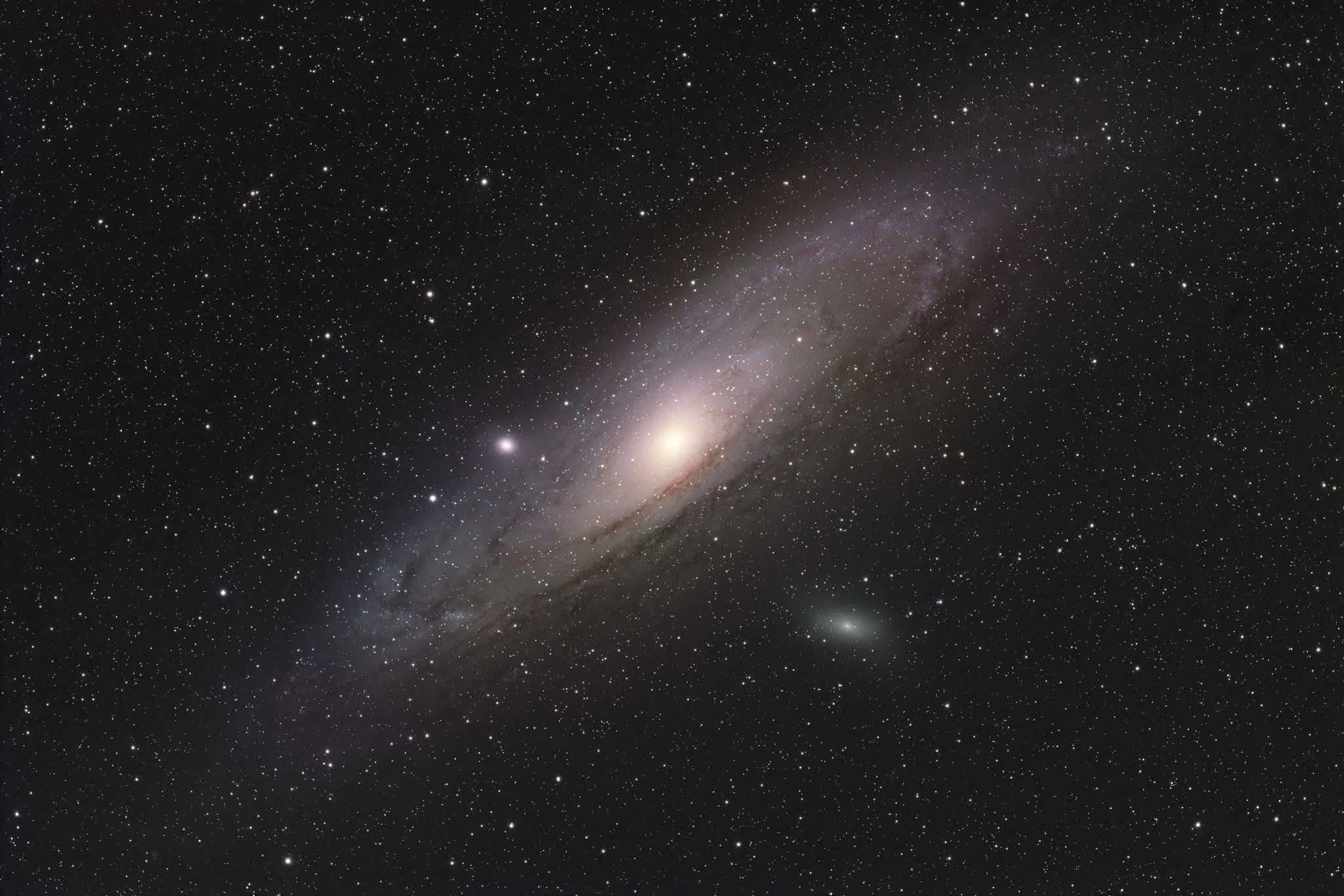
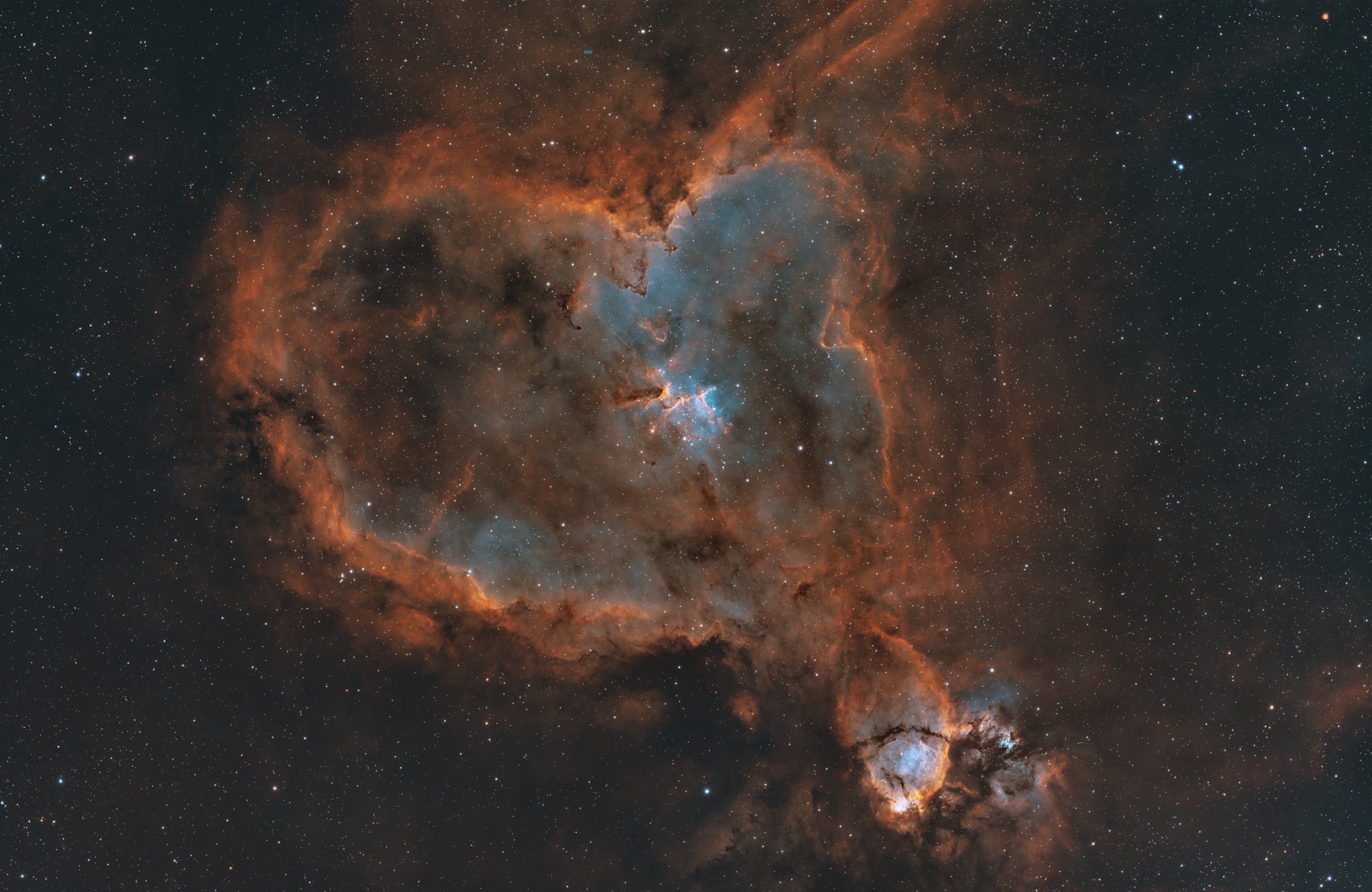
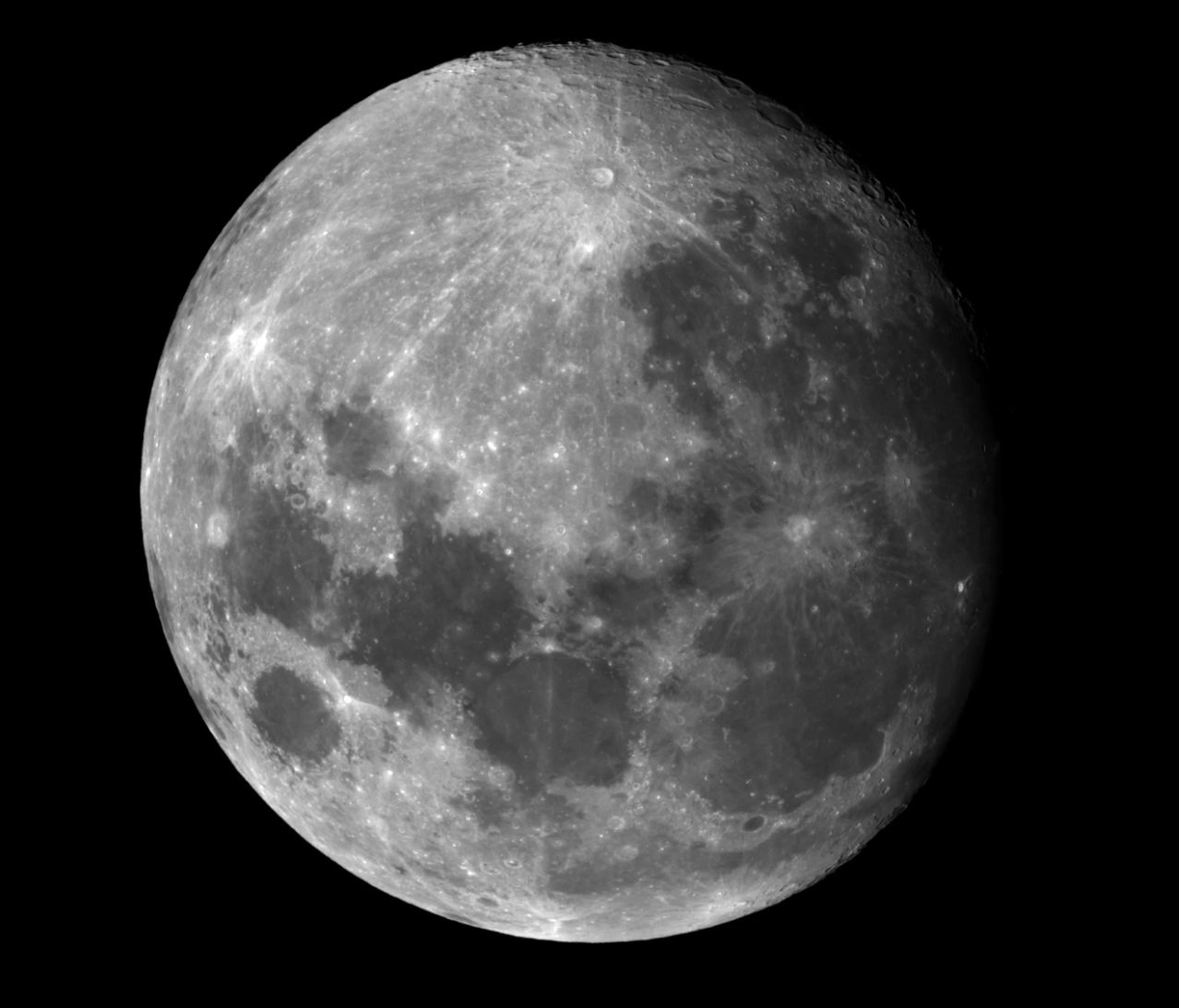
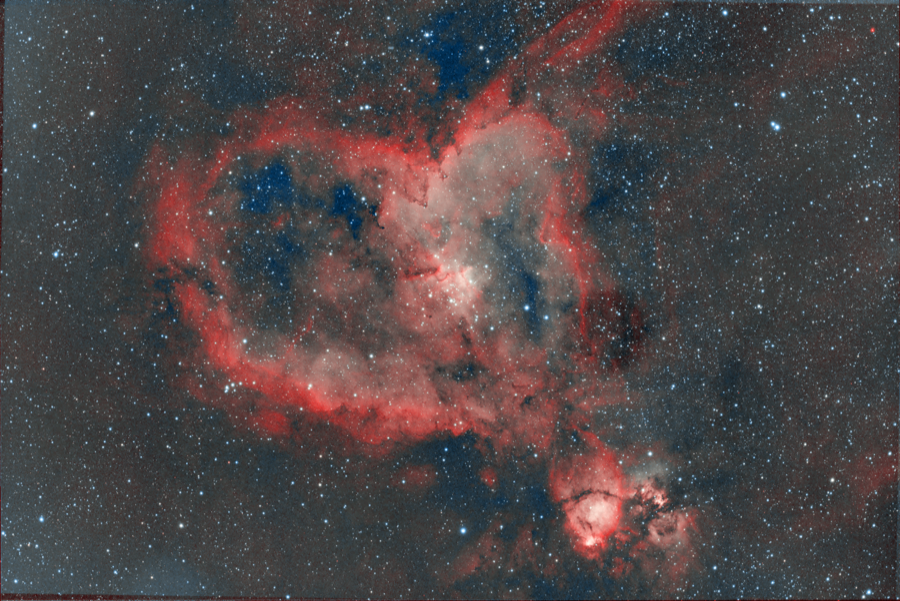
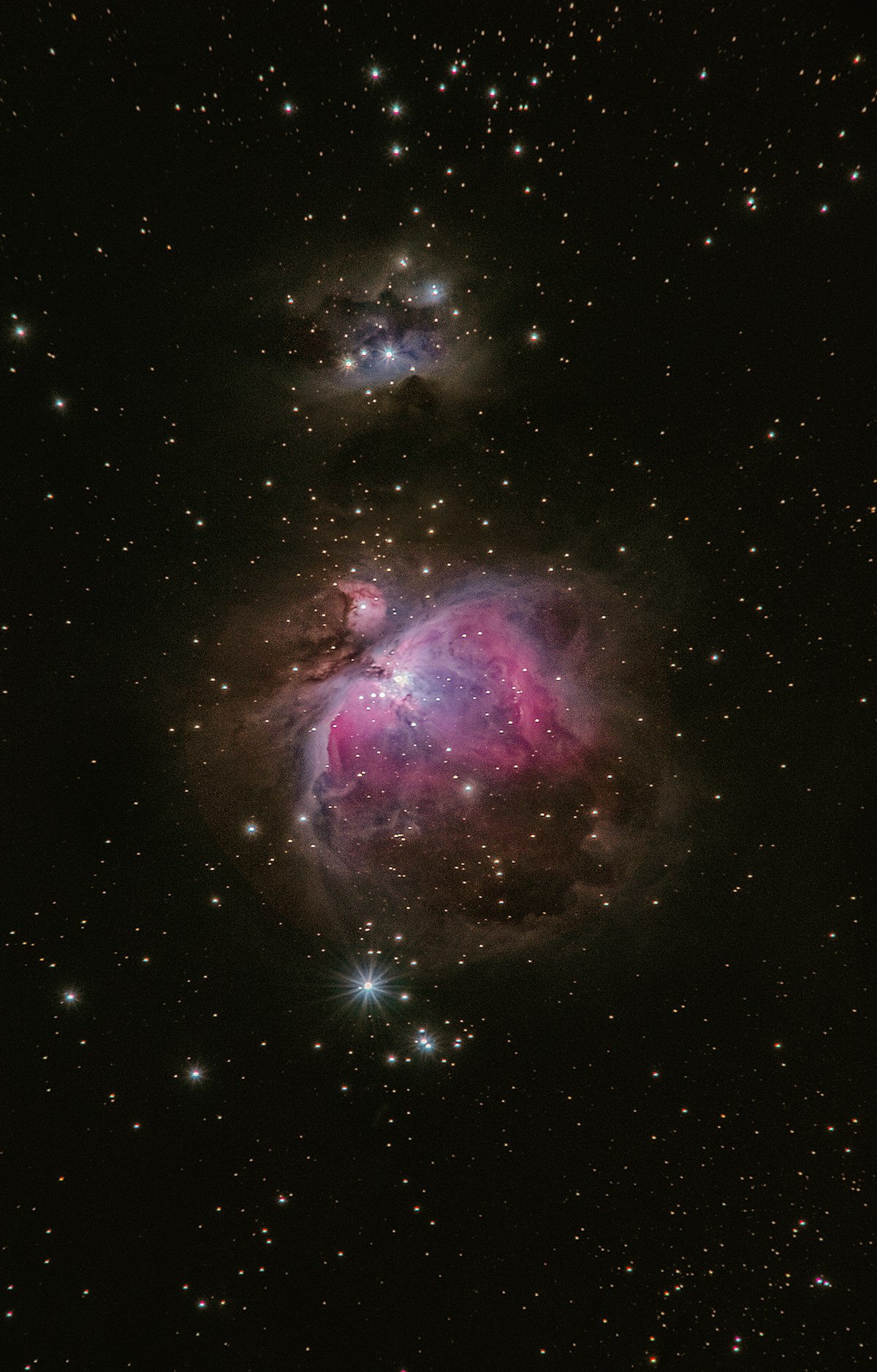
Frames worth the cold fingers.
07 / next clear night
Stop sorting folders.Start sleeping through them.
Get AstroMate today, point it at the scope.The next session is the easy one.
no credit card for the trial · 30-day money back guarantee, no questions asked